This is the guide I wish I had when I first started using Logic Pro for iPad.
To be clear, this guide teaches the Logic Pro app installed on an iPad. It does not teach Logic Pro for Mac.
When Logic Pro for iPad was released, people began asking me for a dedicated guide because it feels like a completely different app. The layout and workflow are different, everything is in a different place, and you use touch gestures instead of a mouse.
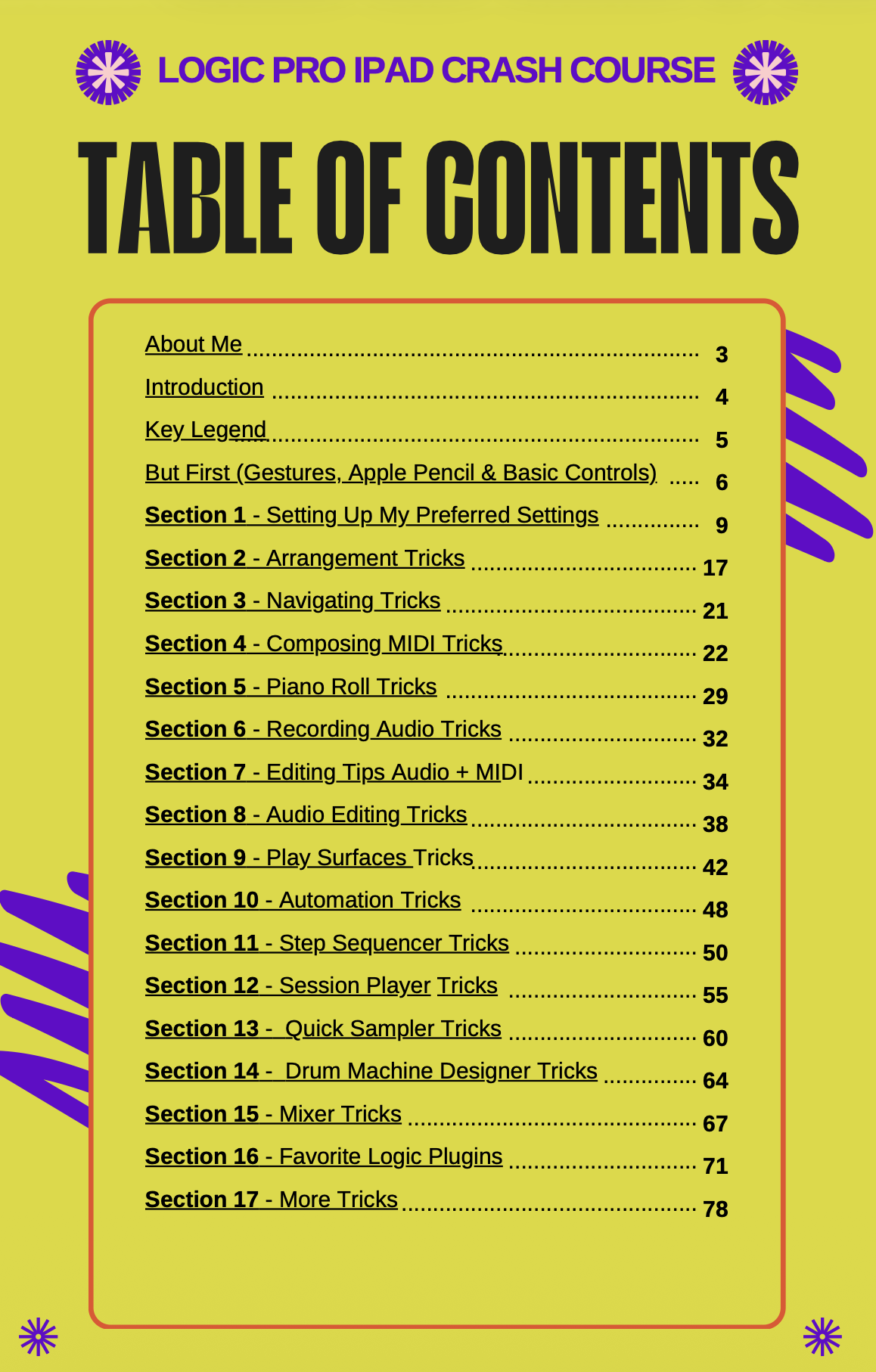
That’s why I created this guide. Instead of spending hours digging through the manual or searching YouTube for one quick answer, you’ll get over 350 of my favorite tips, shortcuts, hidden features, and workflow tricks in one organized, no-fluff resource. Learn it once, then return anytime you need a quick refresher.
Use Logic Pro on a Mac? Click here to get my Logic Pro for Mac Crash Course.
What's Included
Full-Color eBook
View it on your iPad, Mac, or computer. The guide itself covers Logic Pro for iPad only.
Black & White Printable eBook
A printer-friendly version that's easy to print and great for taking notes.
Video Guides
Follow along as I walk you through every tip, shortcut, and workflow.
Free Updates
Whenever Apple releases a major Logic Pro for iPad update, I'll update the course and send you the new version at no extra cost.
Disclaimer: This course does not include the Logic Pro for iPad app. Logic Pro for iPad must be purchased separately through Apple. This course is an independent educational resource and is not affiliated with, endorsed by, or sponsored by Apple Inc.